 Box Rush
Tap. Sort. Rush!
Tap a box and watch it fly into the truck of the same color. Clear the pile before the dock jams, spin it in 3D, and rebuild a whole town along the way.
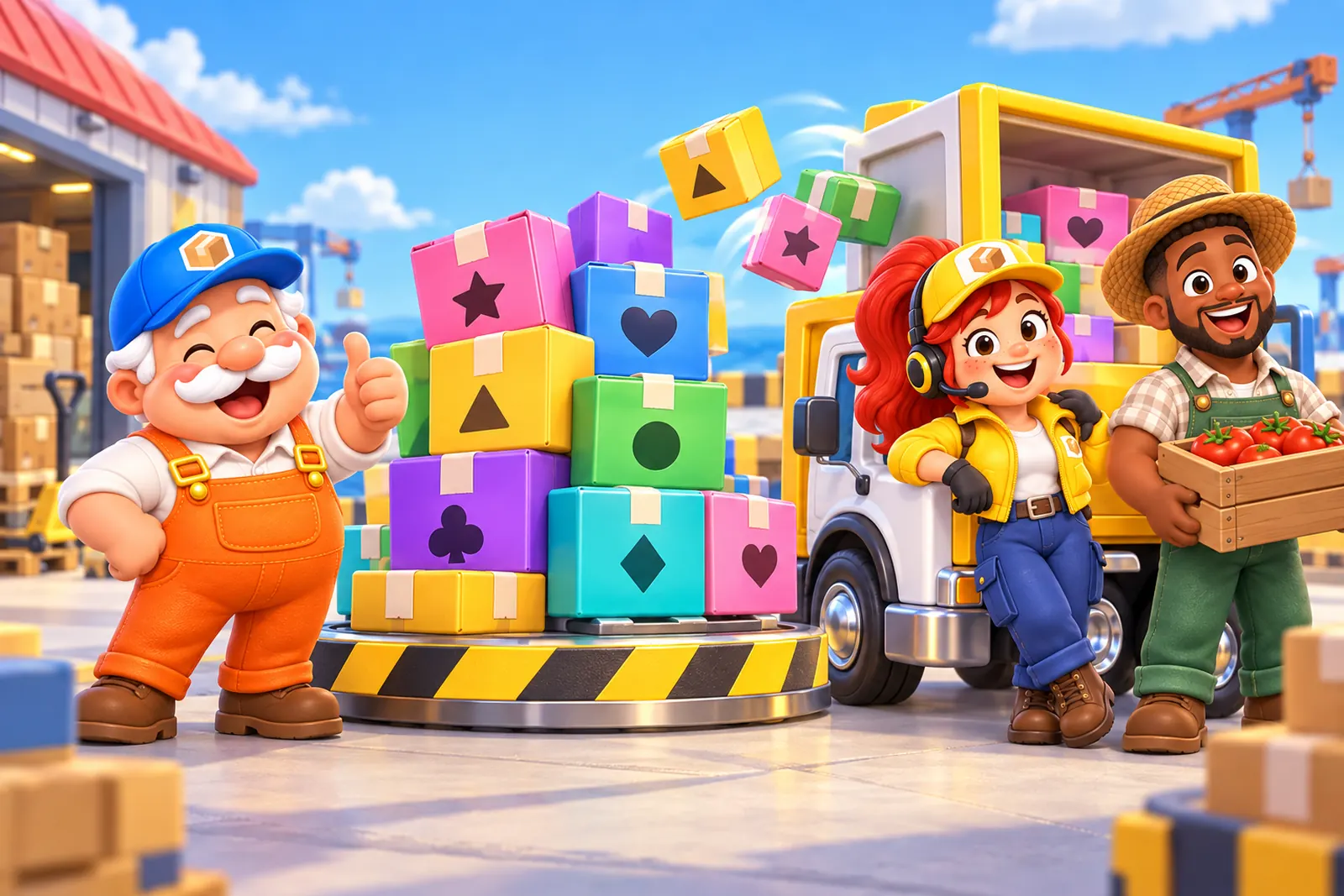
Load the trucks. Keep the dock clear.
Tap a box and it flies to its truck. No truck of that color yet? It waits in the dock. Fill all three dock spots and the dock jams.
- Every box has a stickerHearts, stars and diamonds, so colors are never the only clue.
- Trucks wait their turnWhen a truck fills up it drives off and the next one pulls in.
- Three starsBarely use the dock and you’ll get all three.
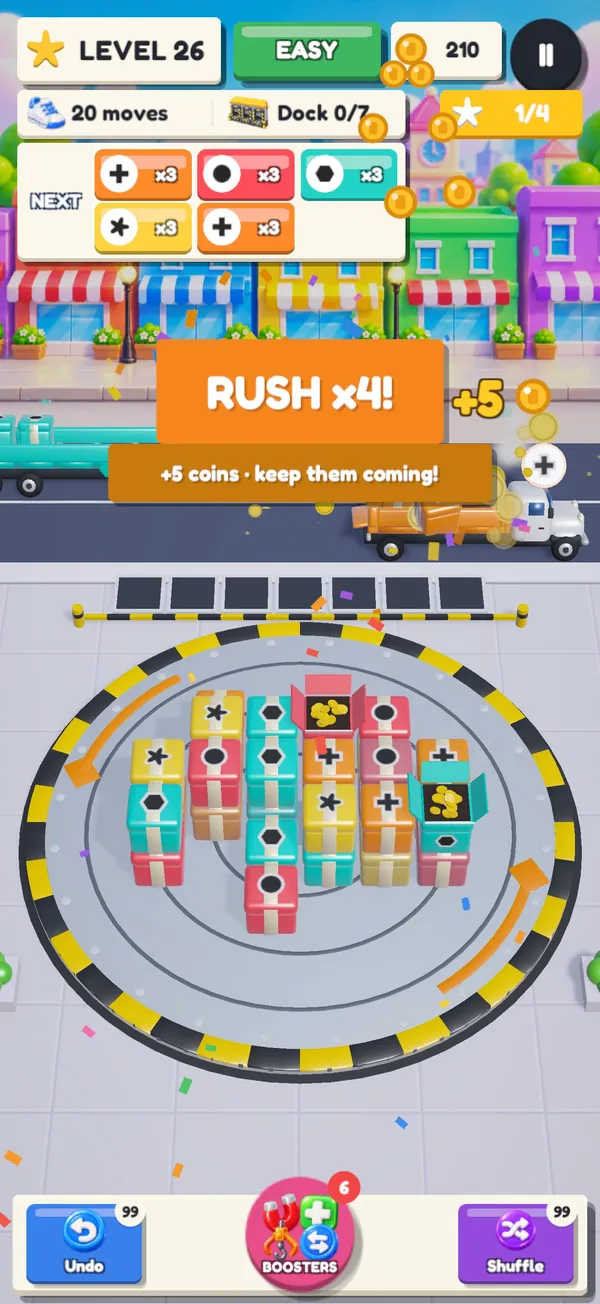
Chain the boxes. Hear it go.
Clear boxes back to back to build a RUSH. Every box in the chain pays coins, and the trucks start rolling faster.
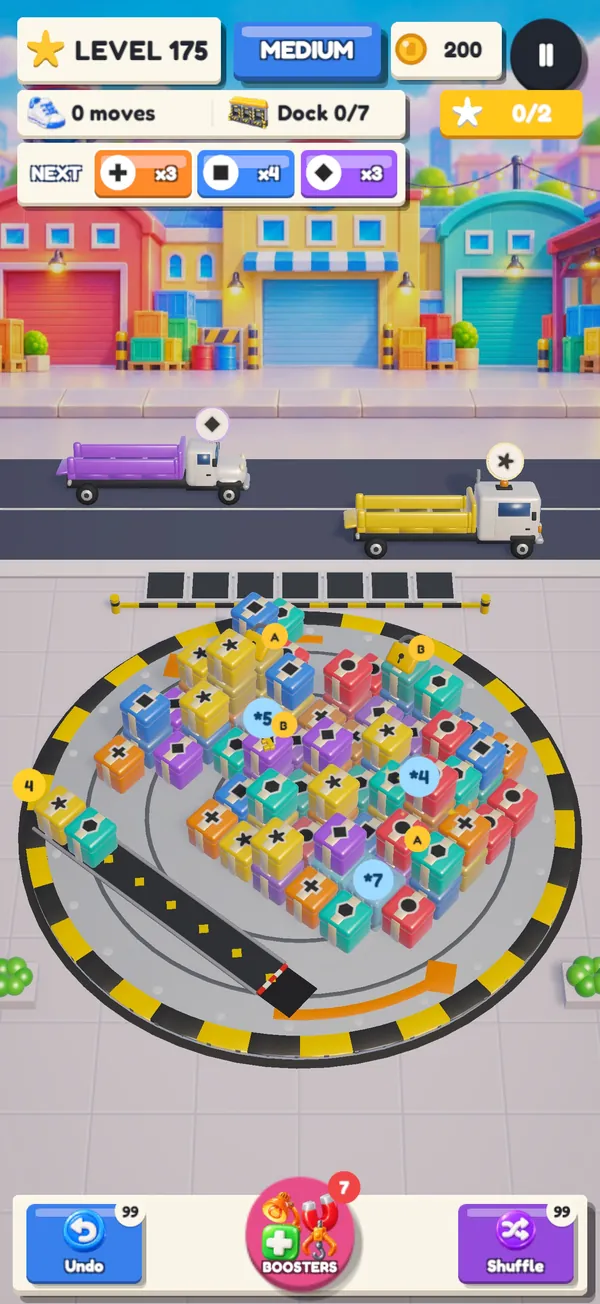
Spin the pile.
The pile sits on a turntable. Spin it to see every side, pinch to zoom, and find the box that sets everything free.
- New twists as you goTaped boxes, mystery boxes, strapped twins, ice, conveyor belts and two truck lanes.
- Boosters when you need themUndo, Magnet, Crane, X-Ray and Shuffle. Your first try of each is free.
Fix up Pop’s old depot.
Every new star earns a Tool. Spend Tools to clear the junk, patch the roof and paint the walls, then move on to Jax’s farm market.
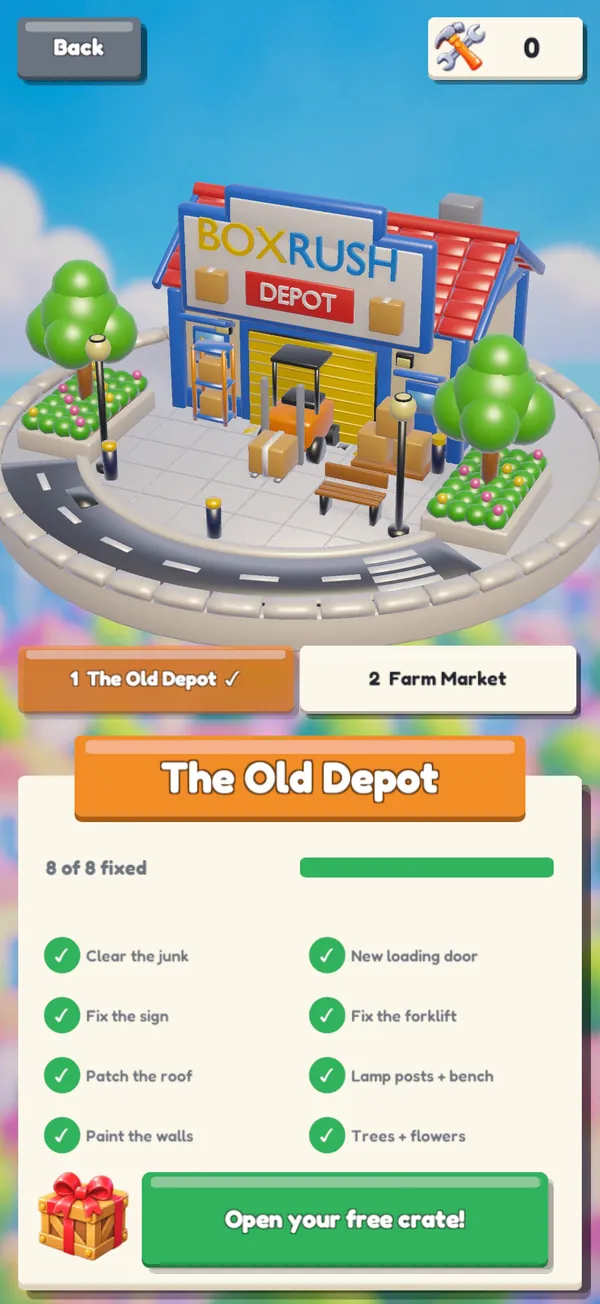
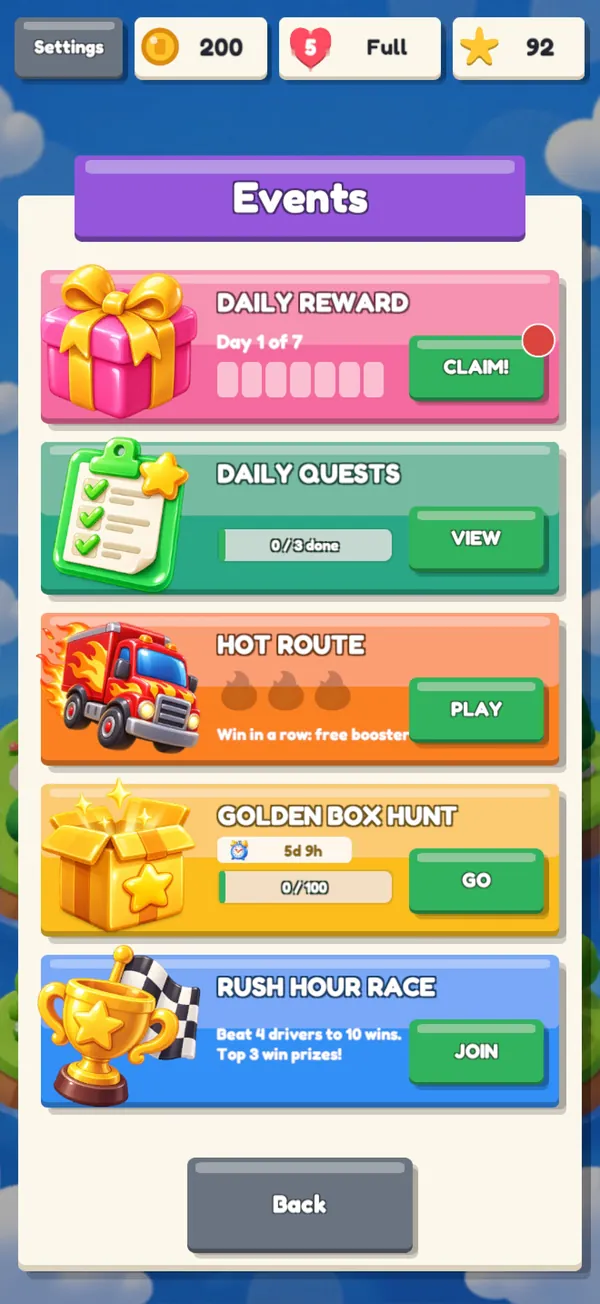
Something new every day.
Play it your way.
Colorblind-friendly
Every box color has its own sticker, so you never have to tell colors apart.
Bigger text, less motion
Turn up the text size and turn down the motion in Settings.
Sound and haptics
Music, sound effects and vibration each have their own control.
Box Rush is free to play, with optional in-app purchases and ads. Everything you need to win every level is in the game.
Quick answers.
How do I get more lives?
Lives refill one every 30 minutes, up to 5. You can also refill them with coins: tap the hearts at the top of the screen.
I lost a level. Did I lose a life?
Every try uses a life, and winning gives it back. So a life is only used up when you lose or leave a level.
My purchase didn’t arrive.
Close and reopen the game. If it still isn’t there, open the Store and tap Restore Purchases. If that doesn’t help, email us with the date of the purchase.
Can I move my progress to a new phone?
Progress is saved on your device. If you set up your new iPhone from a backup of your old one, your progress comes with it.